Why device placement matters during indoor cycling
Small adjustments in position make a noticeable difference when you’re riding.
If the screen sits too low, you lose visibility. If it’s too far away, interaction becomes awkward. And if it’s unstable, even simple actions like switching intervals or checking data can break your rhythm.
That’s why indoor cycling setups aren’t just about the bike. They depend on how everything around it is positioned and used.
iPad and tablet stands for Zwift training
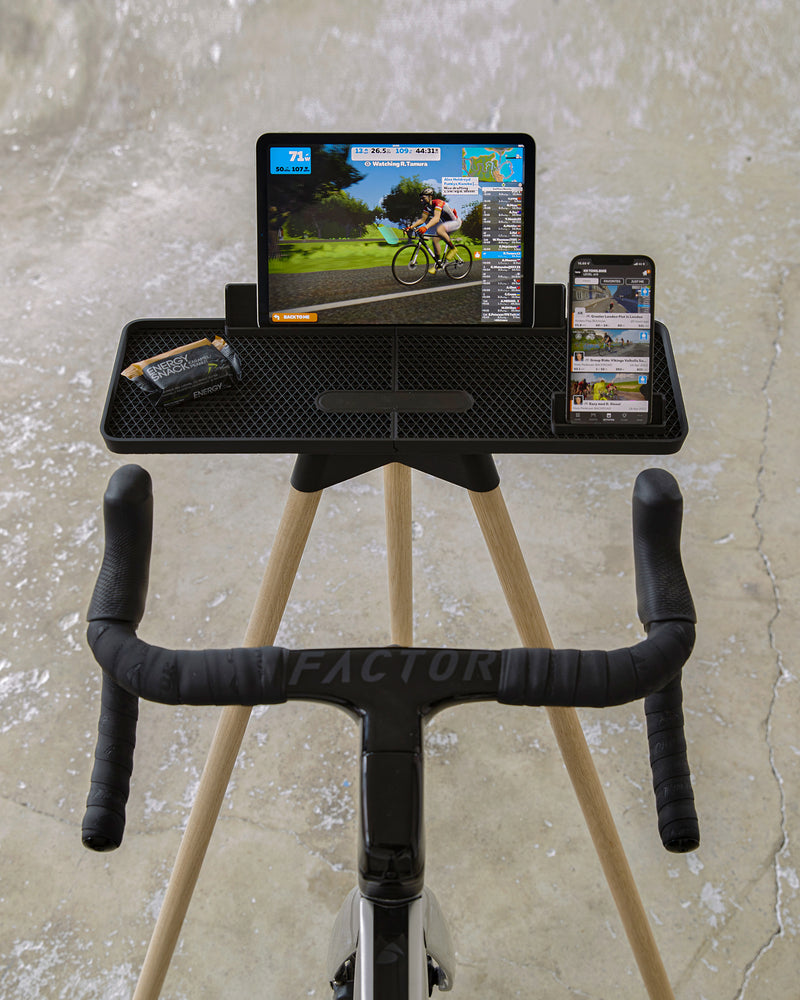
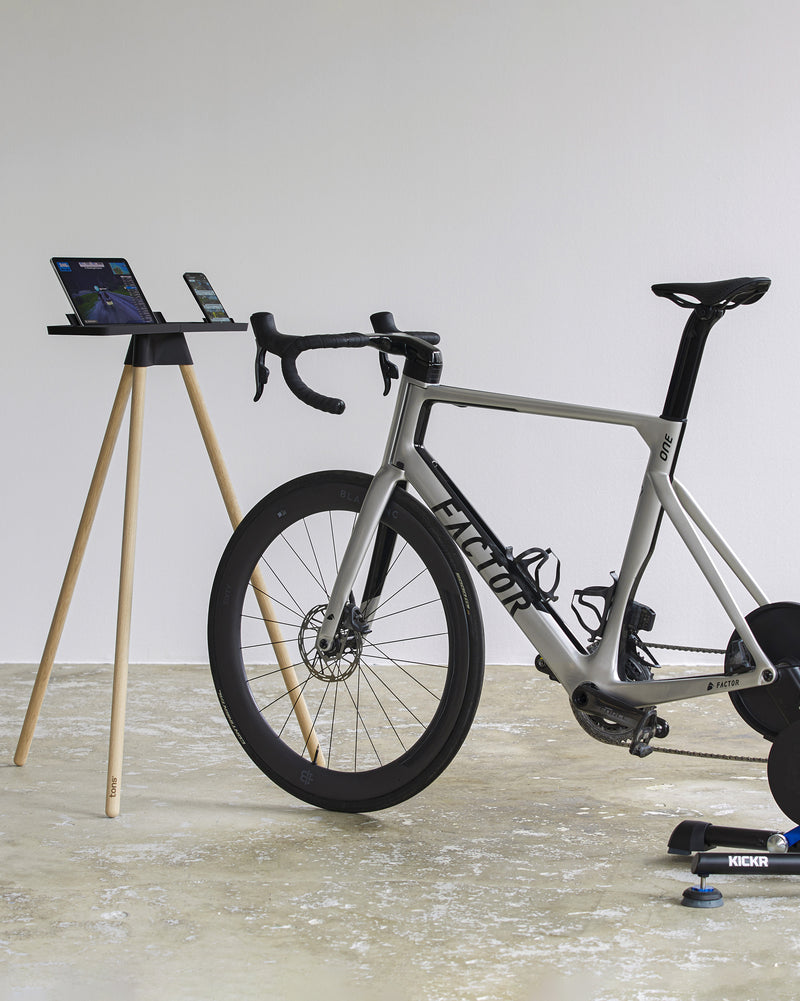
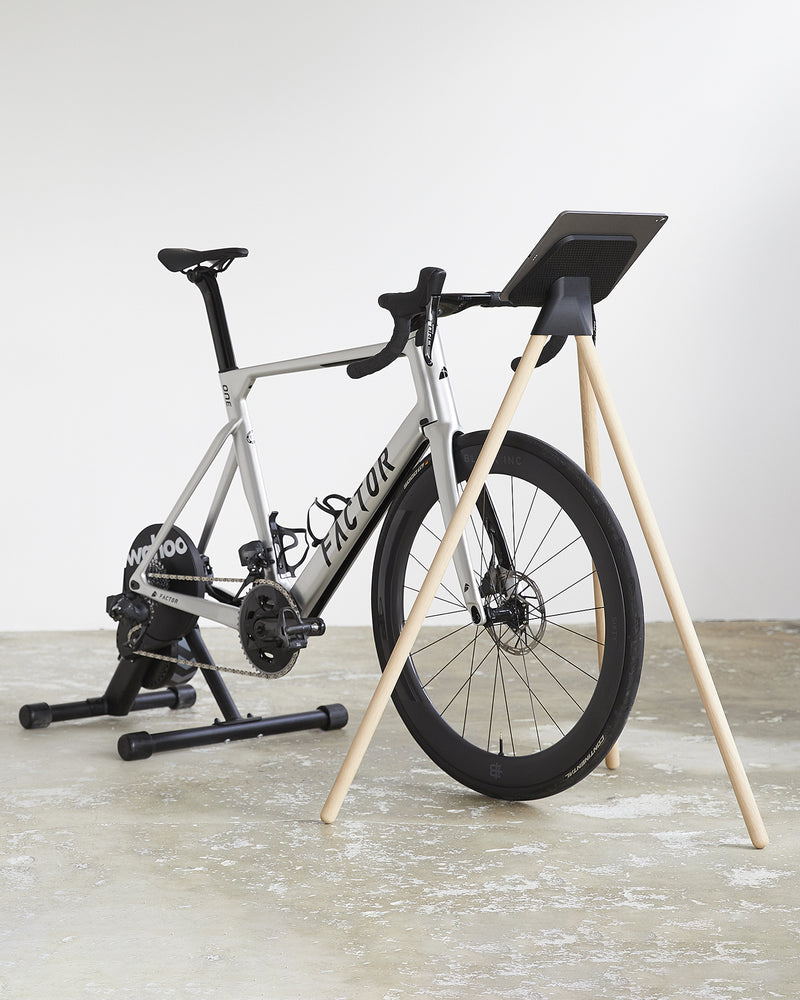
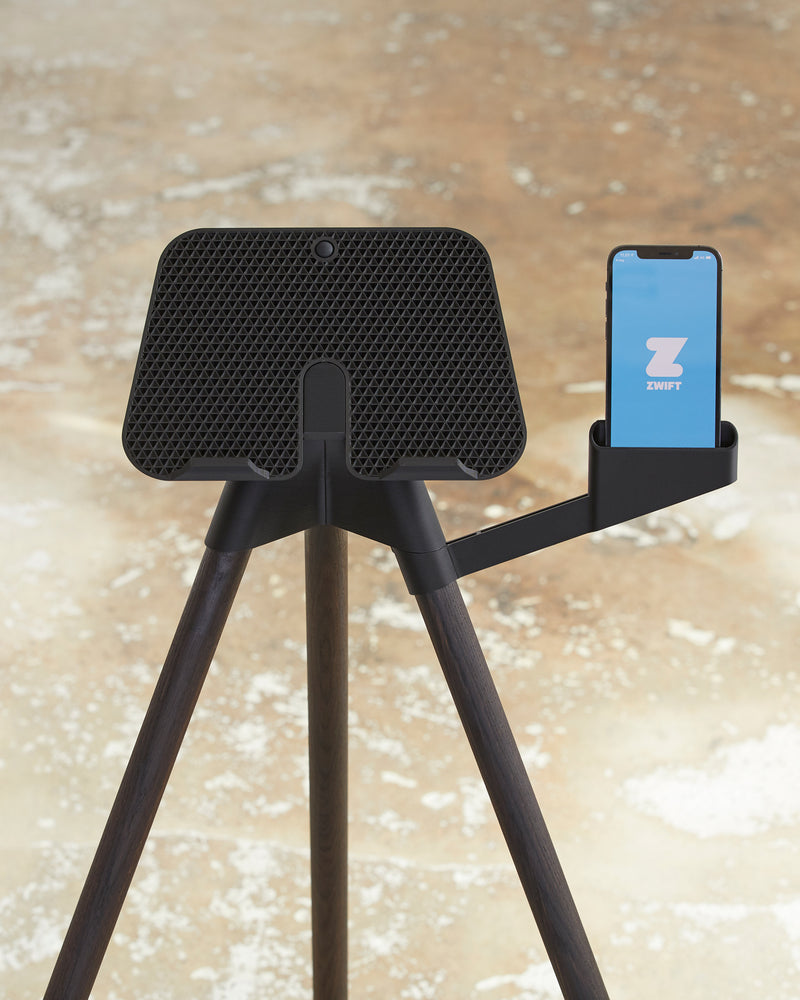
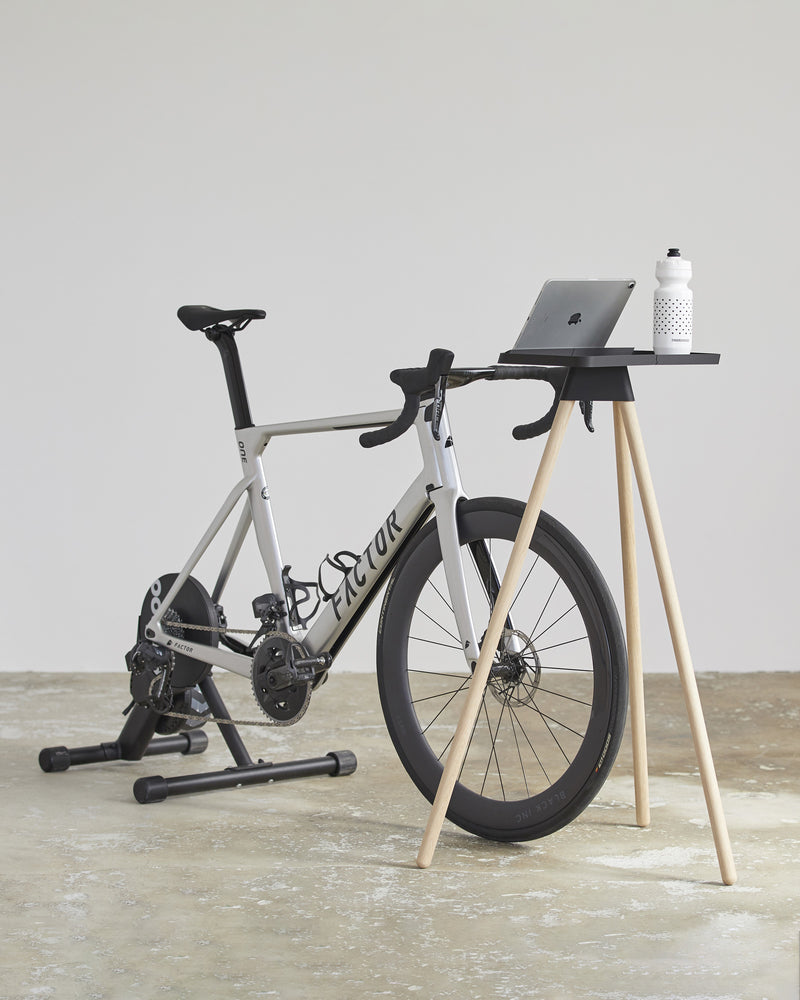
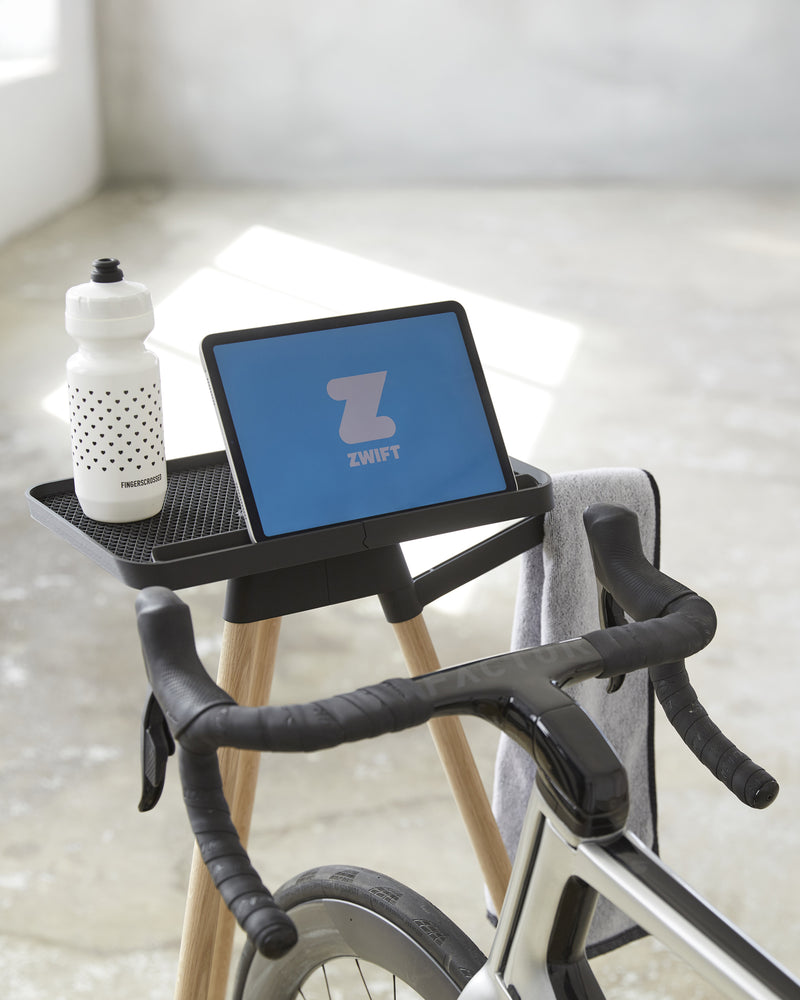
An iPad stand for Zwift places the screen directly in your field of view, making it easier to follow workouts, navigate menus and interact with the app while riding.
Compared to improvised setups, a dedicated Zwift tablet holder keeps the device stable and within reach. This reduces unnecessary movement and allows quick adjustments without stopping or shifting position.
For many riders, this is the simplest way to build a clean and functional setup. You get a clear screen, intuitive control and minimal distraction during training.
Indoor cycling setups usually need a dedicated stand built around the riding position, while core stands are designed for off-bike training such as stretching, floor work and guided sessions.
Laptop stands for bike trainers and indoor cycling
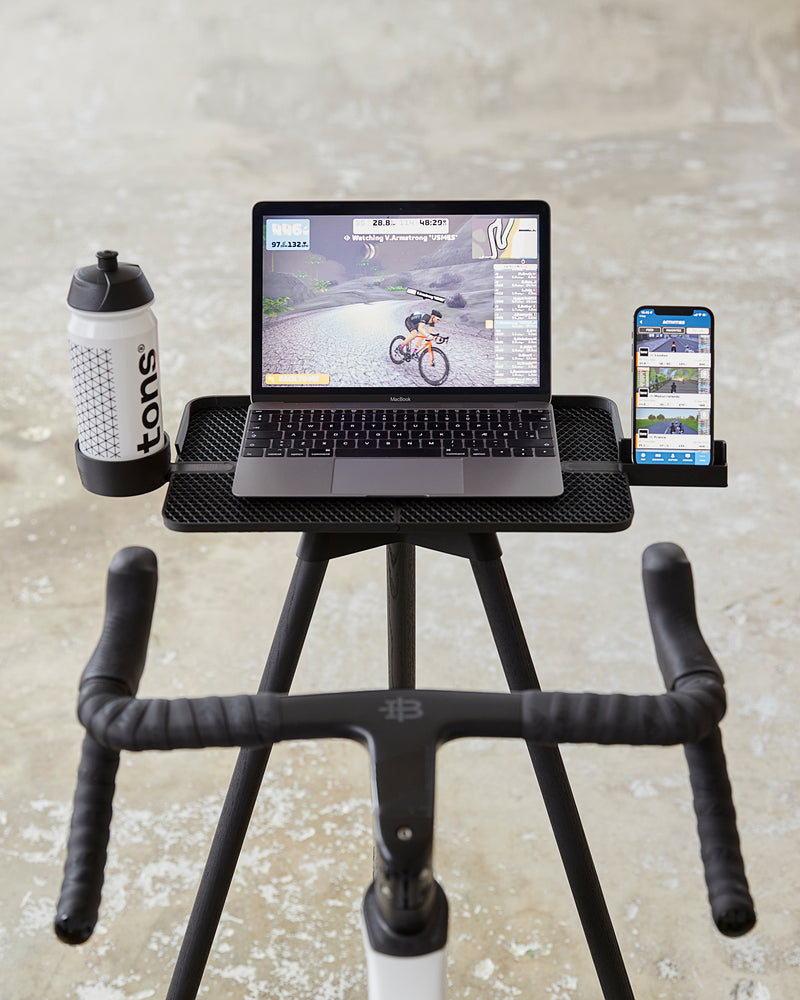
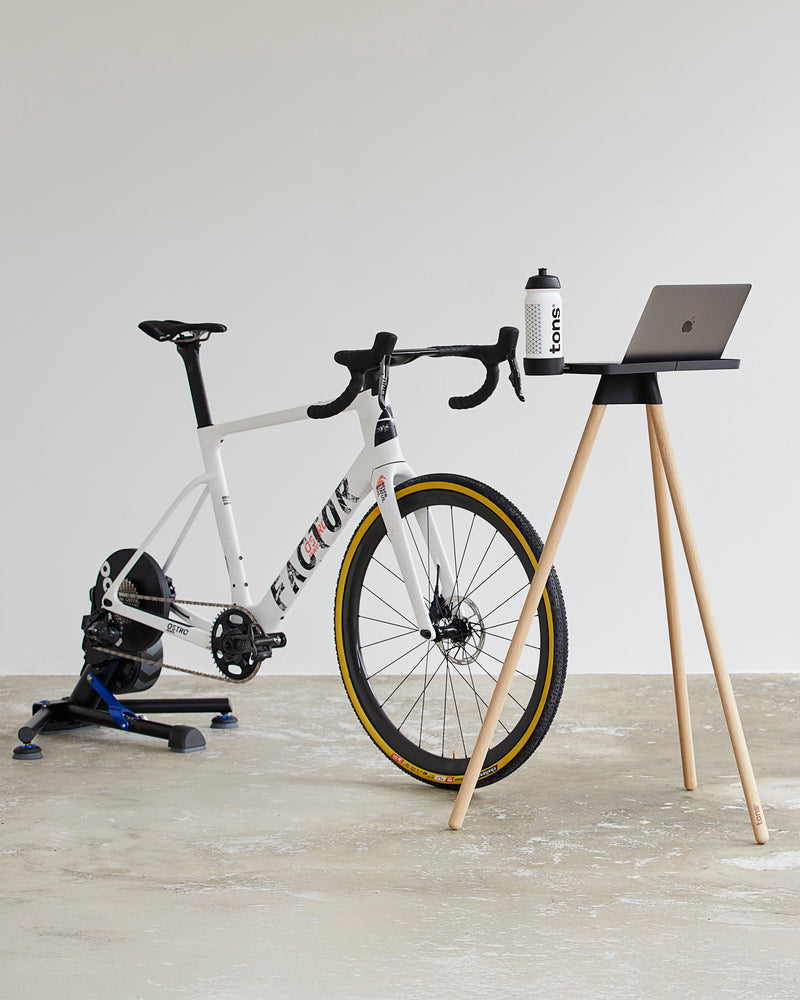
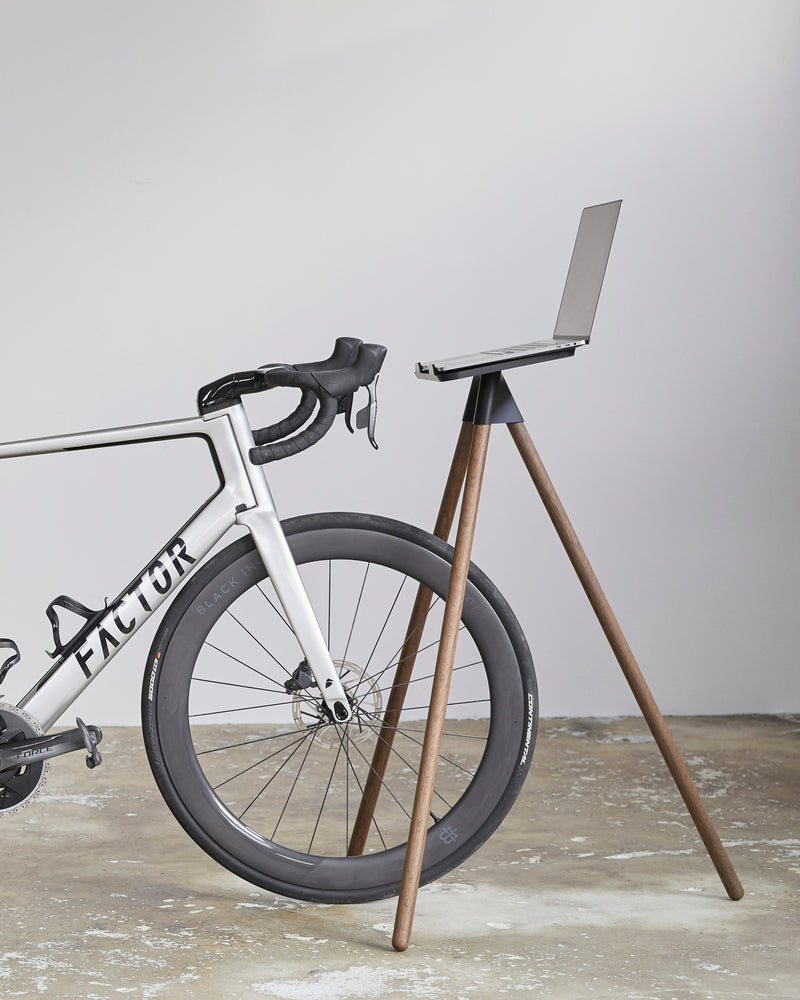
A laptop stand for a bike trainer creates a more flexible setup, especially for riders who prefer larger screens or multiple applications.
It works as a Zwift laptop stand, but also supports broader use cases such as structured training platforms, media or data tracking. Positioned correctly, it keeps the laptop within reach while maintaining enough distance to avoid interference during riding.
This type of setup is often used as a laptop stand for a stationary bike, where stability and surface space become more important. It also functions as a bike laptop stand in mixed-use setups where the same space is used for both training and everyday use.
From simple setups to full cycling workstations
Not every setup looks the same.
Some riders prefer a minimal Zwift table setup with a single device, while others build a more complete cycling workstation that includes multiple screens, accessories and dedicated space for gear.
The difference is less about equipment and more about how everything is arranged. A well-structured setup reduces friction, making it easier to start a session and stay focused throughout.
Monitor and screen setups for immersive training
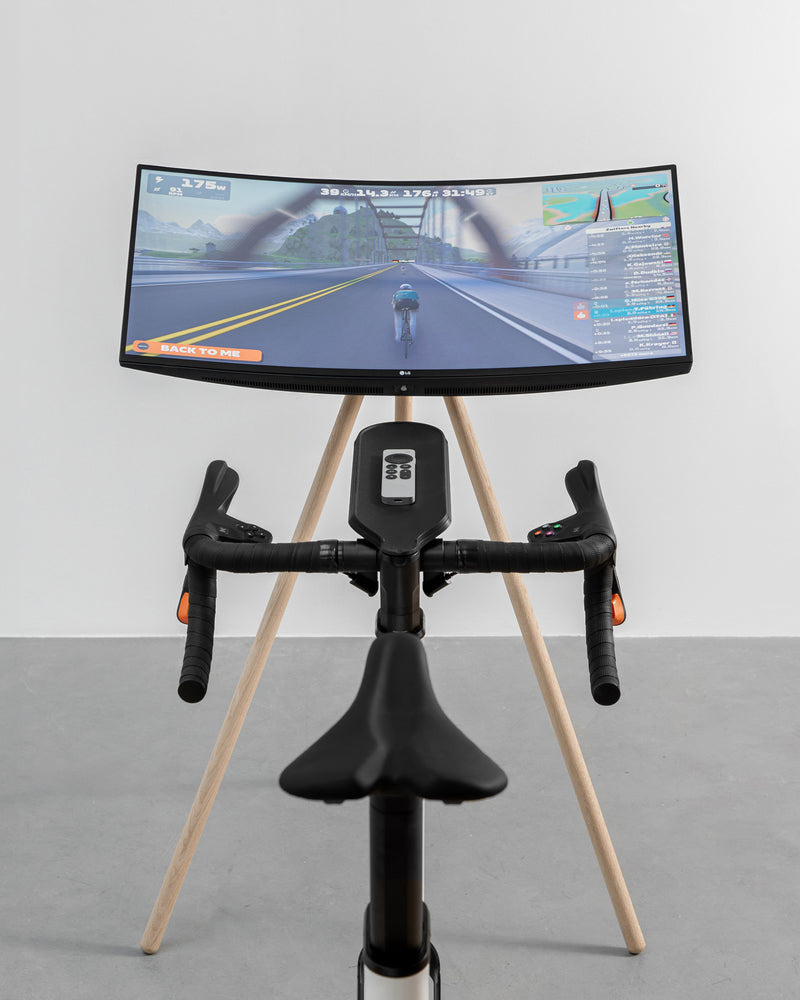
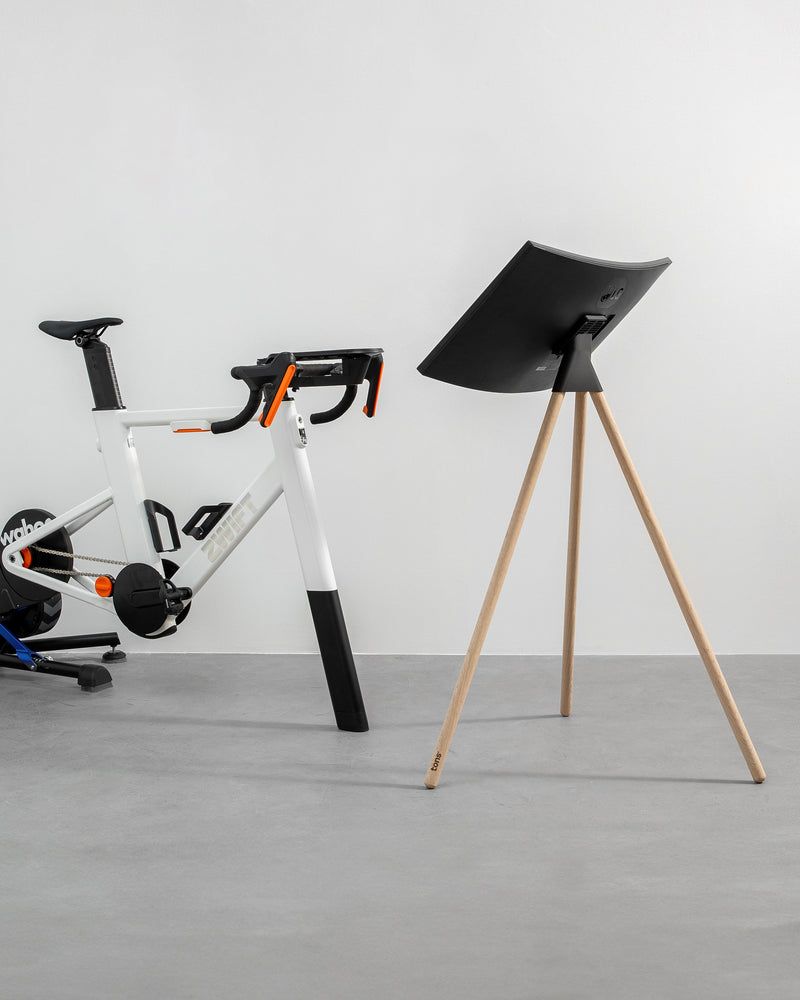
For riders using larger displays, a Zwift monitor stand creates a different type of experience.
By positioning a screen directly in front of the bike, it allows for a more immersive setup where visuals become a central part of the training session. This is often used with external monitors or TVs, depending on available space and preferred layout.
Compared to smaller devices, the focus shifts from interaction to visibility, where screen placement becomes the key factor.
Designed for use while riding
Everything in an indoor setup needs to work while you’re in motion.
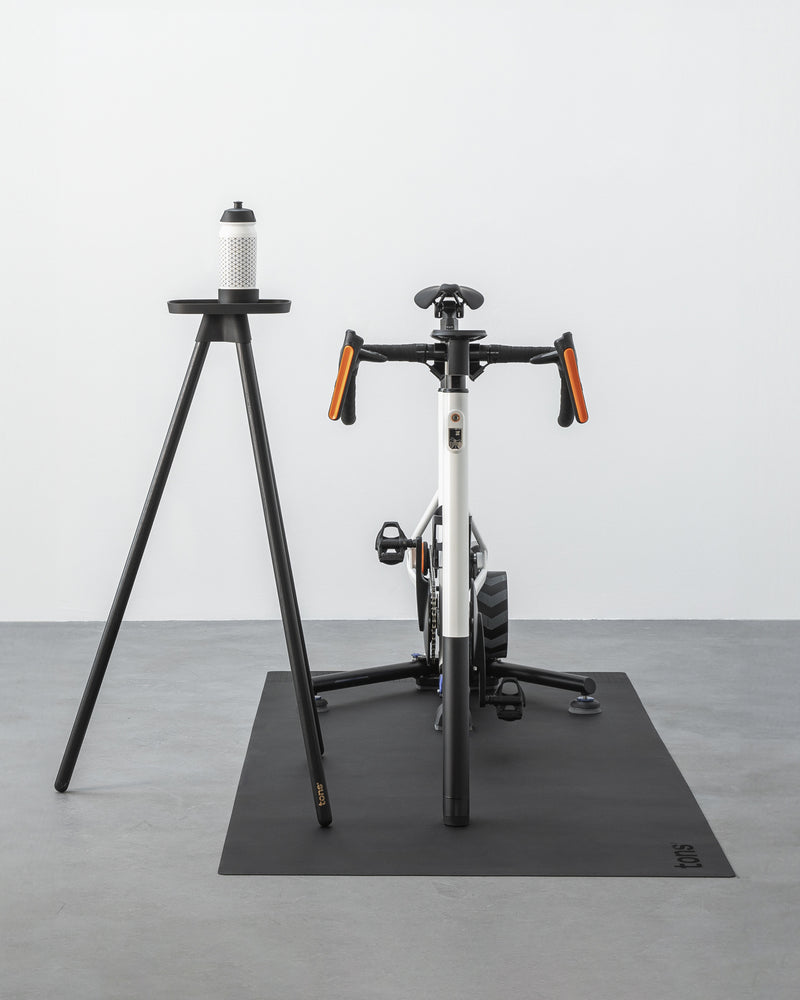
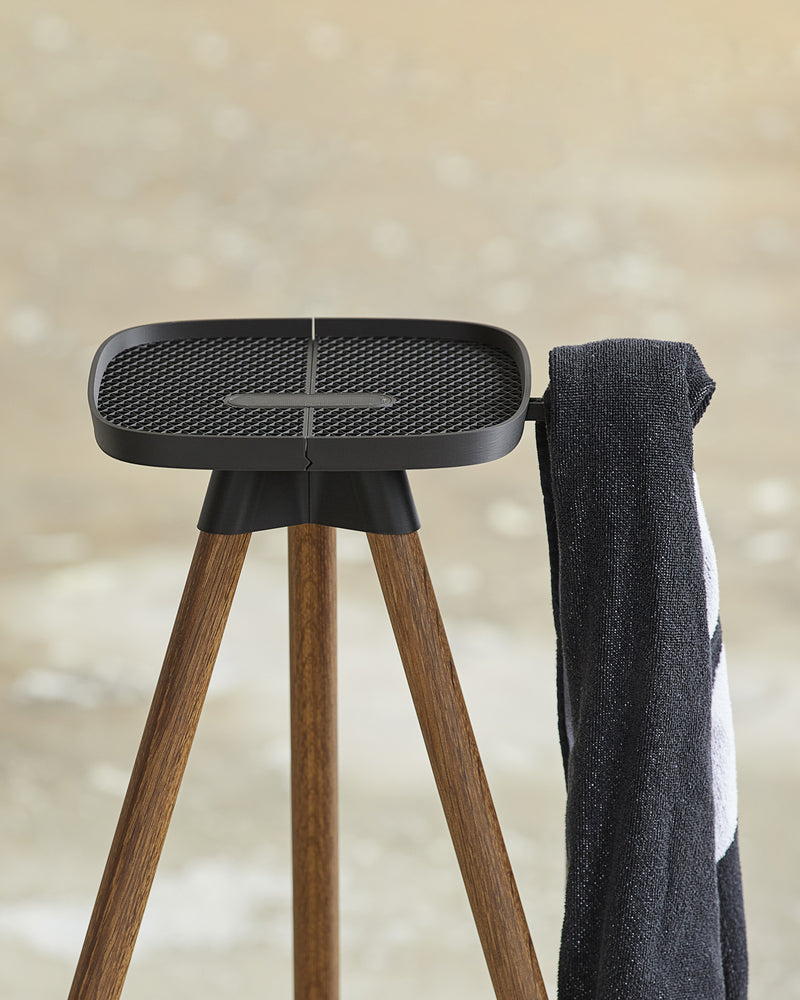
That includes reaching your device, placing a towel, grabbing a bottle or adjusting settings mid-ride. A stand helps organise the space around the bike, so devices and accessories stay usable during training.
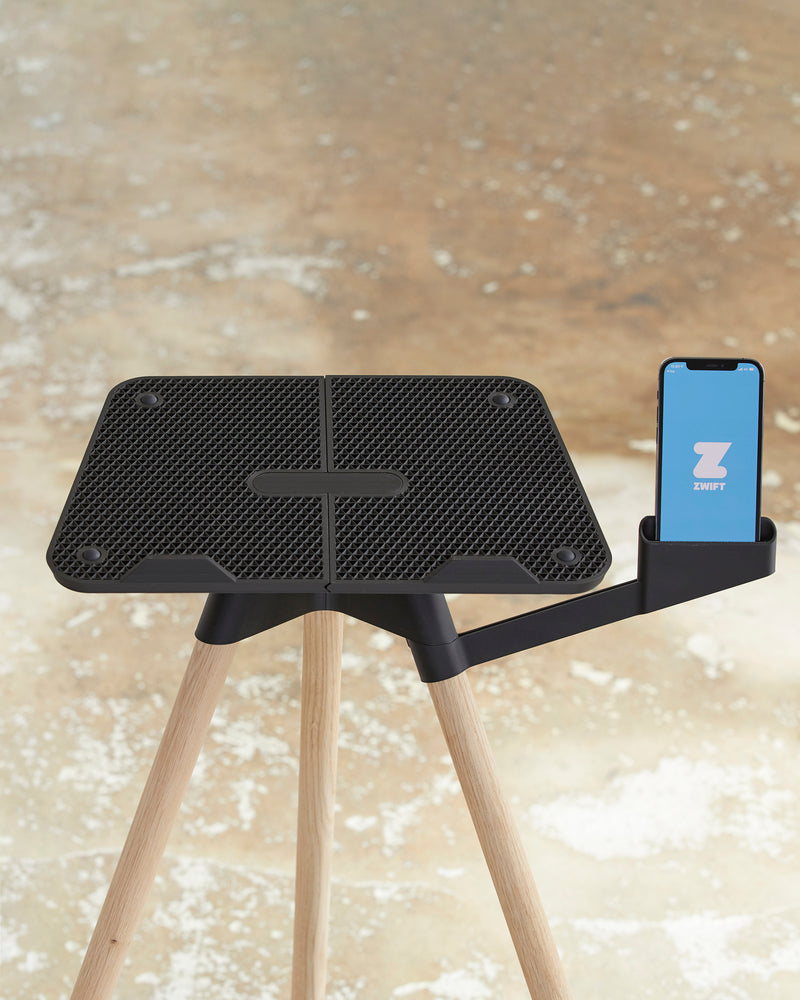
Adding small elements like trays or holders makes a difference here. Items stay within reach without needing separate storage or movement away from the bike.
Relevant accessories for this can be found in the gear category, where smaller items are designed to support the overall setup.
Materials and construction
Tons indoor stands are built using solid European oak combined with components printed in Tons Bio Polymer™. This creates a structure that is both stable and visually light, fitting naturally into the space around the bike.
The construction is designed to support devices securely while maintaining a minimal footprint. Whether used with a tablet, laptop or screen, the goal is to keep the setup stable without adding unnecessary bulk.